Mobile Application
The Public Libraries in Jefferson County's mobile application lets you access the library from your phone or tablet.
- Access your account, renew and place holds, and have a copy of your library card with you at all times.
- Link and manage multiple library accounts from a single place.
- Check the library's catalog in real time and find the newest additions to the library.
- Connect directly to our online collections of eBooks, eAudio, and other digital items.
- Find the nearest JCLC library to you.
- See a book that looks interesting? Scan the ISBN bar code on the back of the book to see if it's in the library catalog!
- Want to skip the checkout line? When you are in a JCLC library, check out eligible items directly from the app.
Get the App
The mobile application is available now for eligible Android and Apple devices.
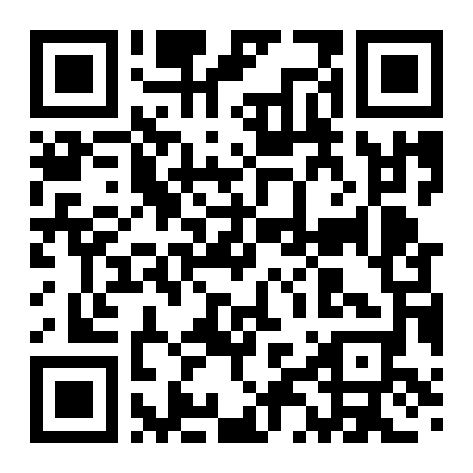
Scan the QR Code below or navigate to https://Innovativemobile.net/JeffersonCountyLibraryAL
using your mobile device.
Alternatively, search for public libraries in jeffco or jefferson county library cooperative
in your device's application store.
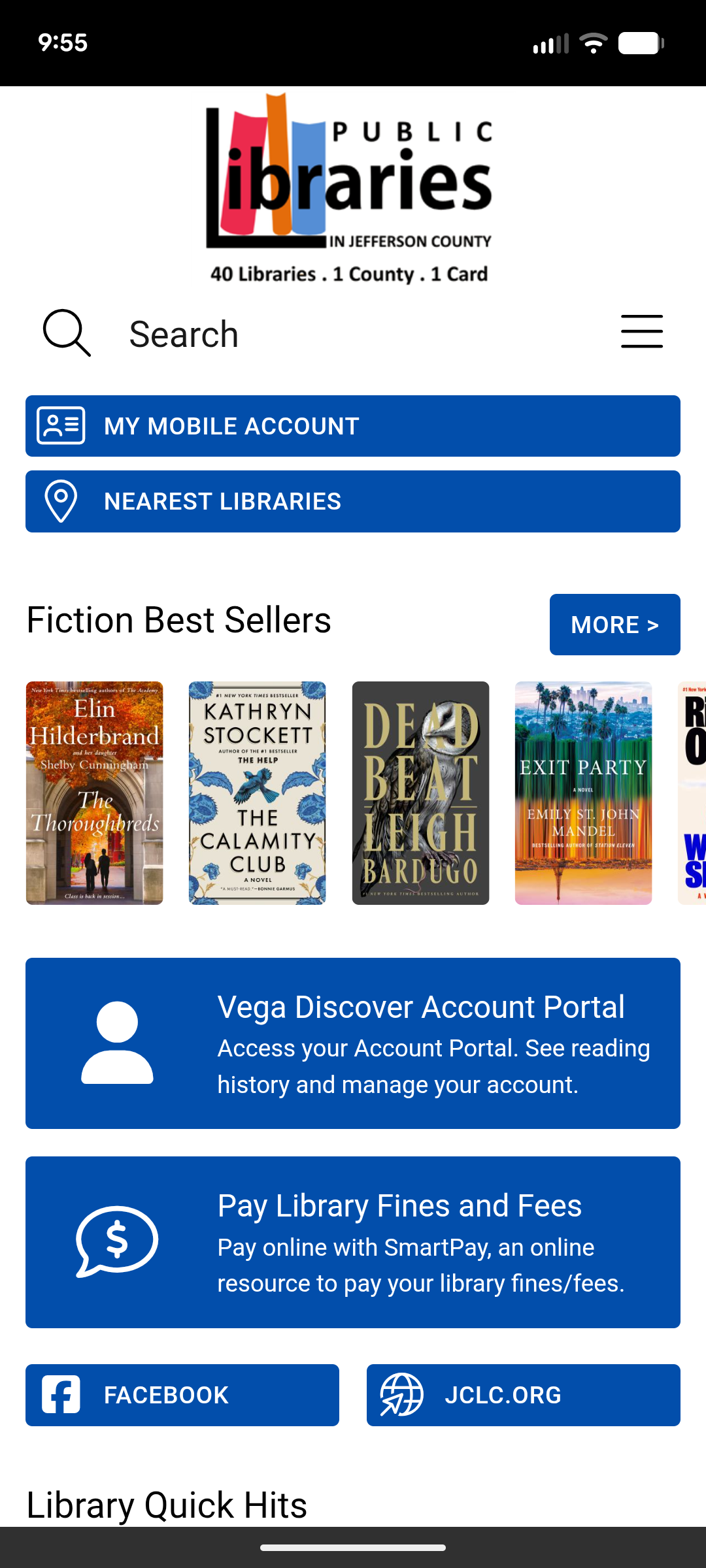
If you find an application that looks like the following, you are probably in the right place.
Notable Mobile Application Features
Signing In
Use your library card number and PIN to sign into the app.
Digital Library Cards
After signing in, the app will display a button called "My Barcode". The generated barcode can be used at the public libraries instead of the plastic card.
If you have added Linked Accounts to your app, you can swipe between all of the linked barcodes from this display.
Linking Accounts on the App
You can link multiple library accounts into a single app.
- Library card for each Linked Account are available within the app.
- Circulation activities available for each linked account include: checkout and renew items, and place, cancel and freeze holds.
- Fines and fees are paid externally to the app through Comprise SmartPay.
Linked Accounts
Linked Accounts on the app are not connected to
Vega Discover Account Portal and any Linked Accounts on
Vega Discover Account Portal are not linked in the app. In the future,
we plan on merging these two features. If you reinstall or sign out of the app, you will need to re-link any accounts in the app after signing in.
Paying Fines and Fees
Library fines and fees are paid online through a service called Comprise SmartPay.
Both the mobile app and the Vega Discover Account Portal use this method.
Reading History and Reading Tracker
If you have already opted in to Reading History on
Vega Discover Account Portal,
any checkouts or renewals through the app will also be recorded in that service. The mobile app does not display Reading History,
you will need to visit Vega Discover Account Portal to see that information.
The mobile app includes a feature called Reading Tracker which is separate from Reading History.
Bookmarks and Lists
Bookmarks in Vega Discover Account Portal and My Lists
in the mobile app are separate features. Bookmarks are not displayed as My Lists and inverse is true as well.
We hope these features will be merged in the future.
Self-Checkout on the App
Self-Checkout lets you skip the line and checkout eligible library materials directly with the app. This is an optional feature,
but in order to enable the feature, there are a couple of additional steps.
- You will need to be signed in to the app with your library card and PIN.
- The app needs access to location services on your device.
- You need to be inside a JCLC library. The app uses GPS coordinates to determine your location in relation to a library's location.
Library Templates
This feature is coming soon. For those libraries that choose to offer a customized experience to their users highlighting local library services and resources,
the mobile app is a single install that unlocks all of the created Library Templates. There is no need to install multiple apps.